
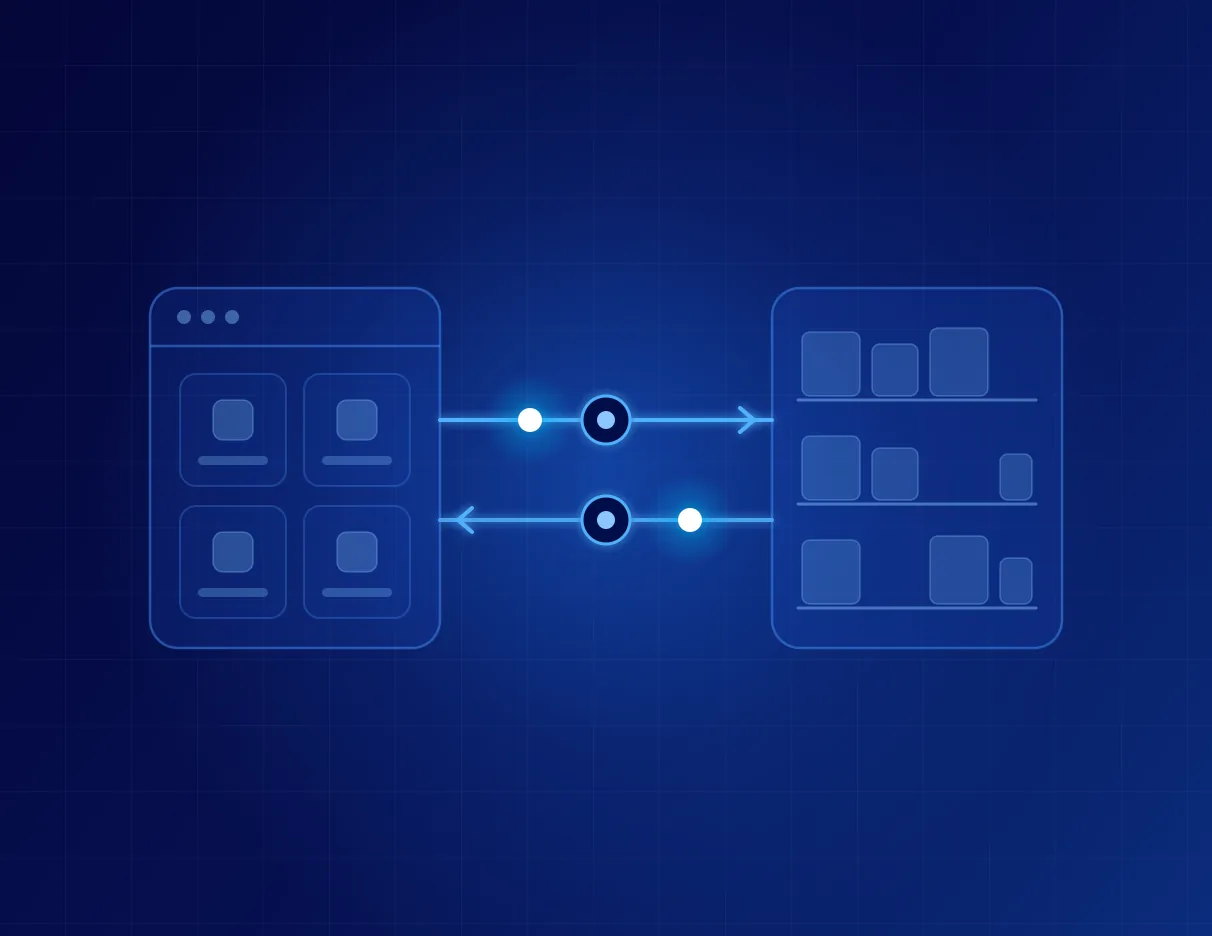
DekFlow sells decorative building materials from Burgas through several channels at once: a Shopify online store, a showroom and phone orders. Here is how we connected the store, the orders and the warehouse in Odoo 19 without a single custom module.
What DekFlow does
DekFlow (dek-flow.com) is an interior-solutions company from Burgas. It started online with acoustic and PVC wall panels and SPC vinyl flooring, sold across Bulgaria. It then opened a showroom in Burgas where customers see the products in person, added interior and security doors, flooring, flexible stone for facades and dining tables, and opened its own warehouse with stock on hand.
The catalogue is chosen so that walls, floor and details match in colour and material, and a room can be renewed with one order and without demolition: panels over old bathroom tiles, click-system vinyl laid straight over the old floor, acoustic panels for a room that echoes. DekFlow works directly with manufacturers, delivers with its own transport or with Econt anywhere in the country, and offers installation by specialists who know the materials.
Customers pay by card, Google Pay, Apple Pay or cash on delivery, and often ask on Viber or WhatsApp before they order. That exact mix of online store, showroom, phone, own transport, courier and installation is what made orders hard to track in one spreadsheet.
The starting point
Every channel ended up in one hand-kept Excel sheet. Phone orders sat in monthly tabs, the online store kept its own stock, only 4 of 139 product variants had a code (SKU), and the same customer often existed two or three times. It was hard to say how much was in the warehouse and which channel actually made money.
Why standard Odoo, with no code of our own
In the first conversations in July we compared two routes: Odoo on a self-managed server and Odoo Online in the cloud. We chose Odoo Online on the Custom plan. It has no ready-made Shopify connector, but it accepts incoming webhooks and has an external API, and that is enough for the link.
One rule held for the whole project: standard apps, fields and automations, and not a single custom module. Every Odoo upgrade therefore has no custom code to rewrite, and the whole system stays in DekFlow's own account.
Orders arrive at the moment of purchase
Shopify sends every new order to Odoo through a webhook. It arrives with the customer, the products, the delivery method and the payment status. The customer is looked up by email first, then by phone, and only then is a new contact created, so the database does not fill up with duplicates.
When a customer pays online, Odoo confirms the order by itself, because the payment is the confirmation. Cash-on-delivery orders stay as quotations until the team confirms them by phone, the way DekFlow has always worked. Prices include VAT, so the total in Odoo matches the store to the cent.
Delivery is a separate line whose price the team types in by hand, exactly as DekFlow agrees it with each customer.
Stock comes from the warehouse
For the first months Shopify stayed in charge of stock, so nothing changed for shoppers while the team got used to the system. Since October the direction is reversed: Odoo leads on stock, and a scheduled job writes the free quantity from the Burgas warehouse to Shopify every 15 minutes during the working day. The website shows what is actually on the shelf.
Codes hold the two systems together
Without codes, the link between the store and the warehouse had nothing to stand on. We proposed an SKU scheme by product type and model, DekFlow approved it, and we wrote the codes to Shopify and Odoo in one go. Today 130 variants share the same code in both systems, and the categories in Odoo follow the store's collections.
DekFlow keeps adding products and changing prices and names in Shopify. The catalogue sync recognises every product by its code and by its status in the store. A new product enters Odoo in the right category, a renamed one keeps its history, and a product with zero stock is not archived.
The history stayed
We migrated more than 560 historical orders from Shopify and from the monthly phone-order sheets, with their original dates and without touching warehouse stock. Products that are no longer sold sit in their own category, so every line of history is linked to an item. We merged 141 duplicate contacts by phone number, and the sales-by-customer report finally adds up.
Around the order itself
The warehouse prints a branded handover protocol and an Econt waybill with a clear marker for whether the amount is paid or to be collected. Reorder rules flag when wall panels run low. Payment and delivery have separate statuses, distributors work with their own B2B pricelists, and profit by order, channel, customer and product shows up in the reports.
The team learned the system in a four-week programme on their own orders, with a checkpoint every Friday. The Bulgarian user guide lives inside Odoo, next to the screens it describes.
What we learned
An integration has to follow the way the client runs their store. Matching by name did not survive the first product rename, so codes became step one, and the sync now relies on code and status.
The direction of stock changes only when the warehouse and the team are ready. Two systems writing the same number lead to selling goods that are not there. From the first conversation in July to live stock sync in October took about three months, all of it on standard Odoo.